
Posting consistently on several platforms is a challenge for any small team. Ideas run dry, deadlines slip, and reporting gets pushed aside. AI tools can lift much of that load when used thoughtfully. This guide explains how to use AI for social media in a practical way, what to avoid, and how to start without losing your brand’s personality.
Why AI for Social Media Is Worth Your Attention
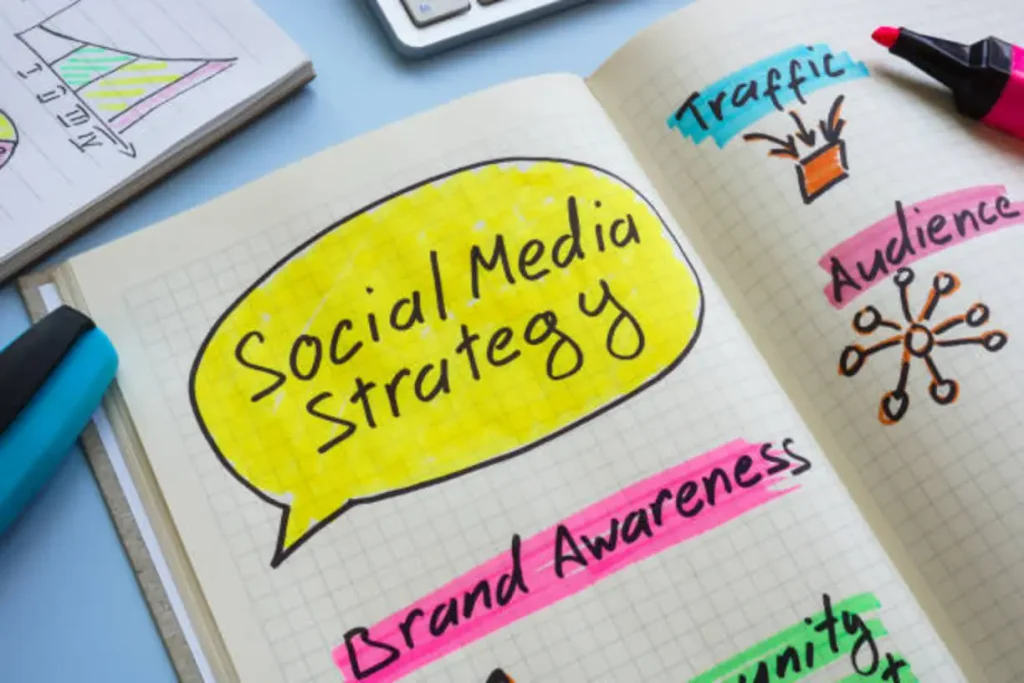
Social platforms reward consistency, relevance, and quick responses, which are exactly the areas where AI helps most. It can analyse what your audience engages with, suggest topics, draft captions, and speed up routine work. For small businesses with limited time and budget, this means a more regular presence without hiring a large team. The goal is not to replace creativity but to remove the repetitive work that slows it down.
Build an AI Content Calendar
An AI content calendar is one of the easiest ways to get started. Give your AI tool your business type, audience, goals, and upcoming promotions, and ask it to suggest a month of post ideas organised by theme, such as education, behind-the-scenes, customer stories, and offers. Then refine the plan yourself, adding real events, product launches, and seasonal dates. A calendar built this way gives you structure and variety while keeping you in control of what actually gets published.
Create Better Social Media Content Faster
Good social media content is useful, specific, and recognisably yours. AI can help you brainstorm hooks, outline short videos, write caption variations, and turn a long blog post into several posts. The key is to give detailed prompts that include your audience, tone, and goal, then edit the result so it sounds like a real person from your brand. Add your own stories, photos, and opinions, because generic content blends in while authentic content stands out.
Use AI Social Media Management to Save Time
AI social media management covers the operational side of your channels. Many tools can suggest the best posting times, schedule content in advance, group comments and messages, and flag questions that need a quick reply. Some can also summarise performance and highlight which posts drove the most engagement. Used well, these features free you to focus on conversations and strategy rather than manual tasks.
Repurpose Content Across Platforms
One strong idea can fuel many posts. A single article or video can become a LinkedIn post, an Instagram carousel, a short video script, and a few quick tips for other channels. AI makes this adjustment faster by reformatting the same message for each platform’s style and length. Always review each version, since tone and format expectations differ across networks.
Understand Social Media Marketing Trends
Social media marketing trends change quickly, and AI can help you keep up by summarising what is performing in your industry and spotting patterns in your own data. In 2026, audiences continue to favour short video, authentic voices, helpful educational posts, and brands that respond quickly. Use AI to research and test ideas, but check platform updates and your own analytics before changing your strategy, since trends vary by audience and industry.
Best Practices for Using AI Responsibly
AI is powerful, but it works best with guardrails. Keep these habits in place:
- Always review before posting. AI can make factual errors or sound generic.
- Protect your brand voice. Share tone guidelines and sample posts so drafts match your style.
- Keep a human in the loop for replies, sensitive topics, and customer complaints.
- Be careful with private data. Do not paste confidential customer or business information into public tools.
- Check platform rules on AI-generated content and disclosures.
- Track results. Measure engagement, clicks, and leads to see what actually works.
Common Mistakes to Avoid
The biggest mistake is publishing unedited AI text, which often sounds flat and repetitive. Another is chasing every platform at once instead of focusing on the two or three where your customers spend time. Businesses also forget to connect social media with the rest of their marketing. Your posts should support your website, SEO, and content marketing, so each channel strengthens the others.
Getting Started With AI for Social Media
Start small. Choose one platform, one AI tool, and one task, such as drafting a weekly content calendar. Test it for a month, review your results, and expand only what works. Write a short brand voice guide, collect your best-performing posts as examples, and set a simple review routine before anything goes live. If you want a strategy that connects social media with your website, search visibility, and lead generation, Dextelite can help you plan it.
Frequently Asked Questions (FAQs)